A ‘Best Value’ Among National Universities
Mercer is consistently named a “best value” among national universities, combining exceptional education and career preparation at a relatively affordable price.


Why Mercer
Making A Genuine Difference
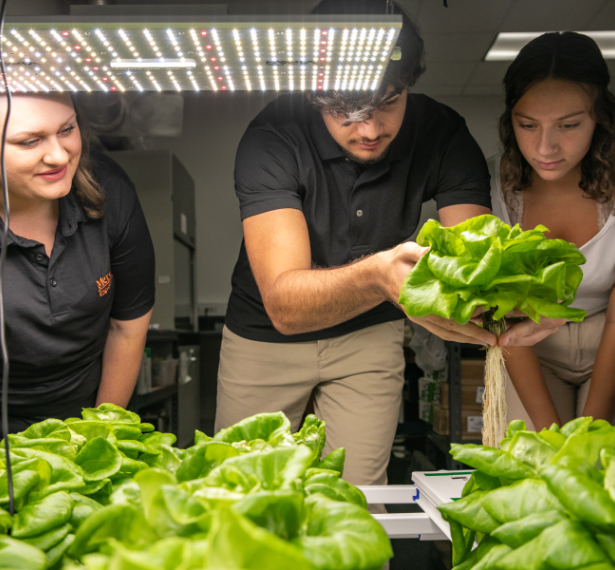
Discovery and Innovation
Curiosity with a purpose

Global Impact
Making a world of difference

Strengthening Communities
Local and global connections

Research That Reaches Out
Integrating research and service

Flourishing Arts Scene
Supporting the arts
The latest news and features



Events
What's going on
Consider a Career in Counseling — Mercer’s M.S. in Counseling Information Session
12:00pm - 1:00pm
Online
Admissions – Graduate/Professional
Mercer University School of Medicine, Master of Family Therapy (MFT) Program Virtual Information Session
4:00pm - 5:00pm
ZOOM
Admissions – Graduate/Professional
Elevating in Teaching: Paraprofessional on a Certification Track for Grades P-5th
4:30pm - 5:00pm
Online
Admissions – Working Adults Undergraduate
SpringFest Chamber Music Concert
7:00pm - 9:00pm
McCorkle Music Building, Neva Langley Fickling Hall
Arts
Choir Concert: Maurice Duruflé’s “Requiem”
4:00pm - 5:30pm
Mulberry Street United Methodist Church
Arts
Doctor of Public Health (DrPH) Information Session
6:00pm - 7:00pm
Online
Admissions – Graduate/Professional
Bear Your Future: Working Adult Business Management Degree Info Session
6:00pm - 7:00pm
Mercer University Atlanta Campus
Admissions – Working Adults Undergraduate
Mercer University School of Medicine, Rural Health Sciences Ph.D. Program Virtual Information Session
12:00pm - 1:00pm
ZOOM
Admissions – Graduate/Professional
Marketing Organizations and Securing Funding — Master’s in Human Services Administration Webinar
5:00pm - 6:00pm
Online
Admissions – Graduate/Professional
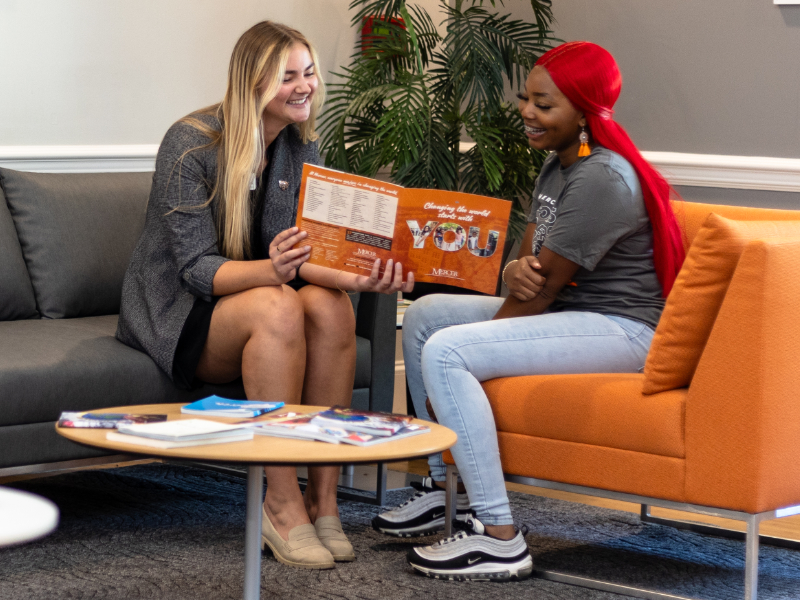
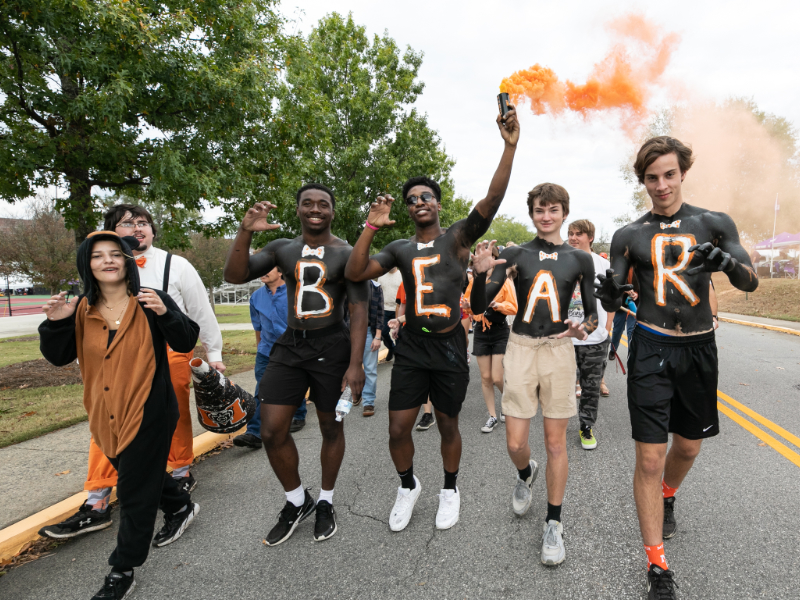
I feel like Mercerians really pride themselves on individuality and being who you are and embracing who you are. I really had a lot of space to get to know myself better.

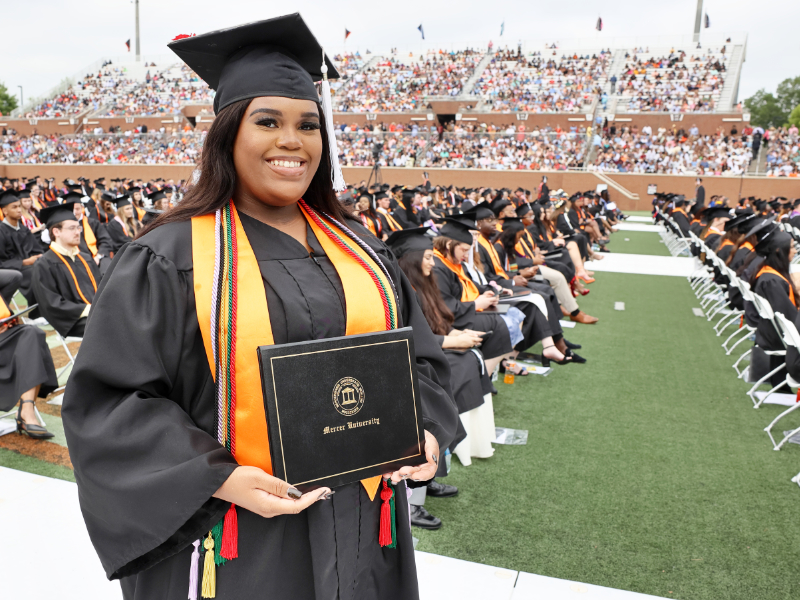
Mercer has provided me with the tools to work in this current job market. ... I really enjoyed this experience. I will definitely miss the camaraderie between the teachers and the students. I feel like they put you in a position to succeed.

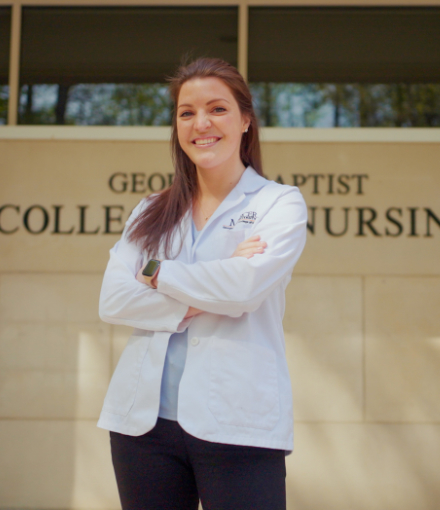
The professors that I've been able to learn from have taught me so many things — and not just nursing skills. They’ve taught me to be a leader. They’ve taught me to step out of my comfort zone. ... They have taken the time to get to know us as individuals, and I really feel as though this cannot be replicated anywhere else.